
Getting started
Count your first dhikr and move between phrases.
The app has four tabs: Today, History, Garden and Library. Settings is behind the gear on Today.
Count a dhikr
Open Today
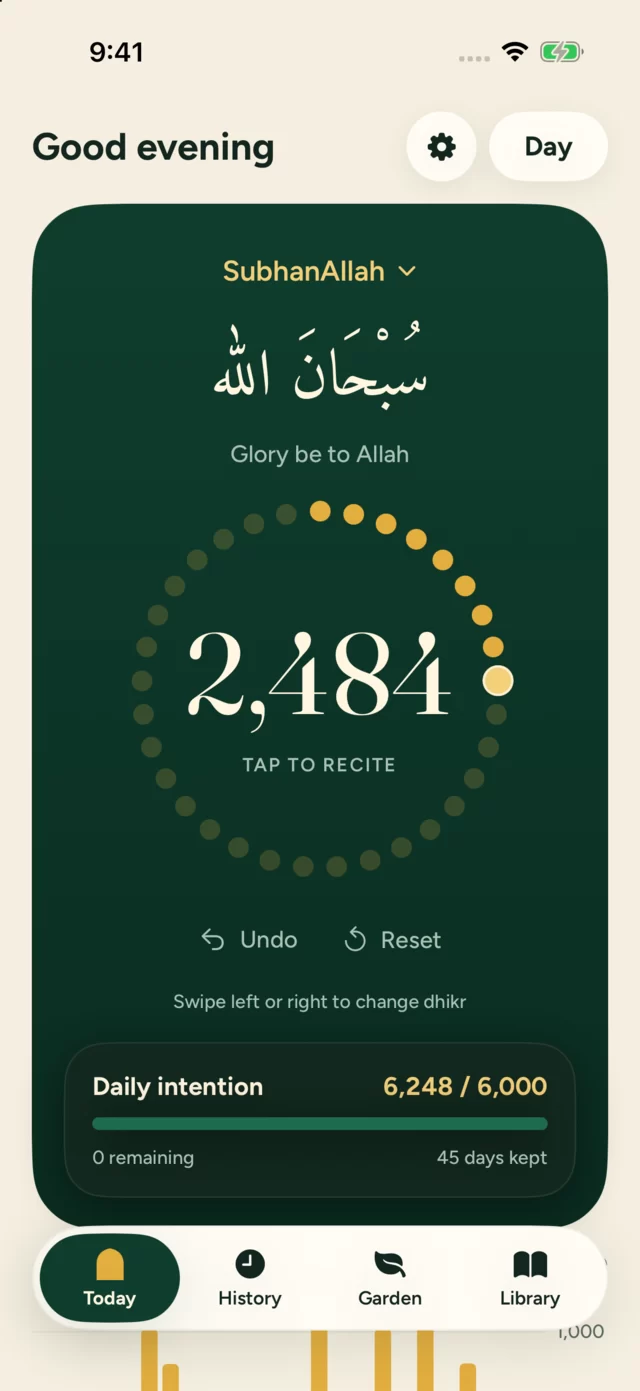
Today shows your selected phrase with its Arabic text and translation, and a circular tasbih of 33 beads.
Tap the counter
Each tap adds one. The beads fill one by one, and each completed strand of 33 begins a new lap.
Keep going past your goal
A phrase can have an optional daily goal, but counting never stops when you reach it.
Counts are saved as you go, so you never have to end a session.
Change phrase
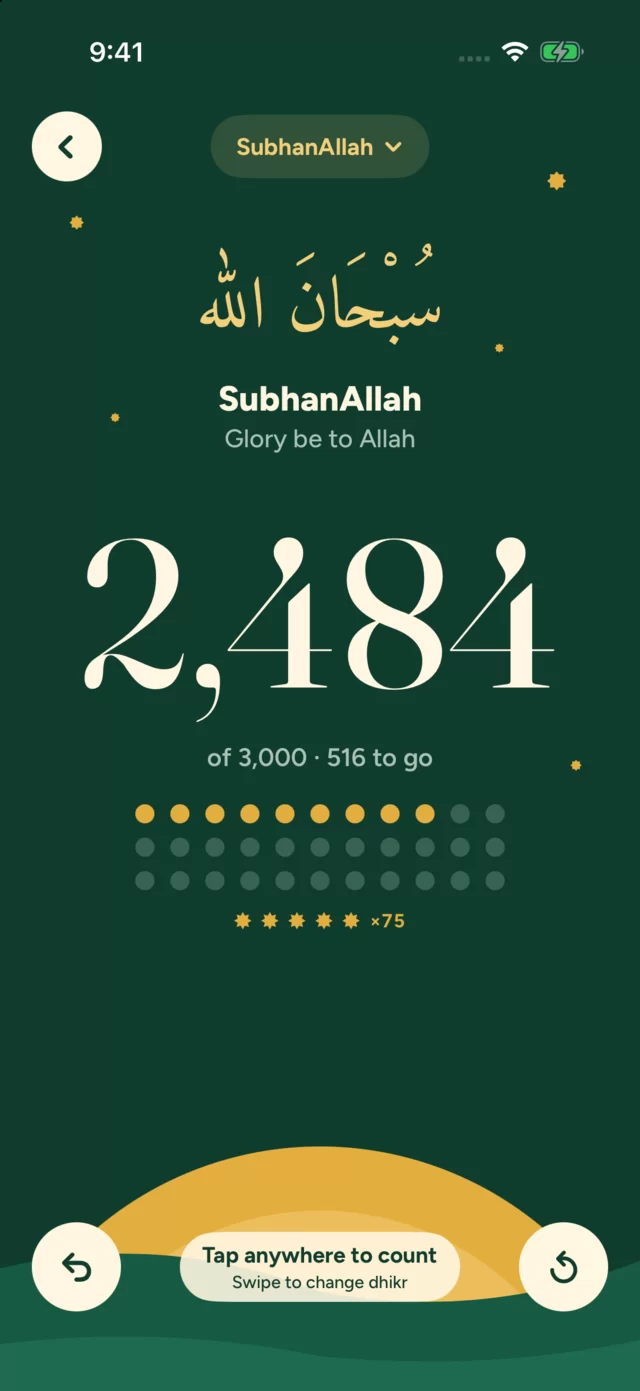
Swipe left for the next phrase and right for the previous one, in Library order. At either end it wraps around. The full-screen counter supports the same swipes.
Switching phrases keeps each phrase's daily total separate.
Undo and reset
Undo removes your last count. Reset clears today's count for that phrase. Both affect only the current phrase and the current day, and earlier days stay in your history.
Accidental taps
You can turn on Ask before clearing today's count in Settings so Reset asks for confirmation first.